How they work
- You place powerups per arena while standing where each should float.
- During a round they bob in place. Heads with a custom texture also spin.
- A player grabs one by getting close to it. After pickup it disappears and respawns on a timer.
- Pickup can play a sound and spawn particles.
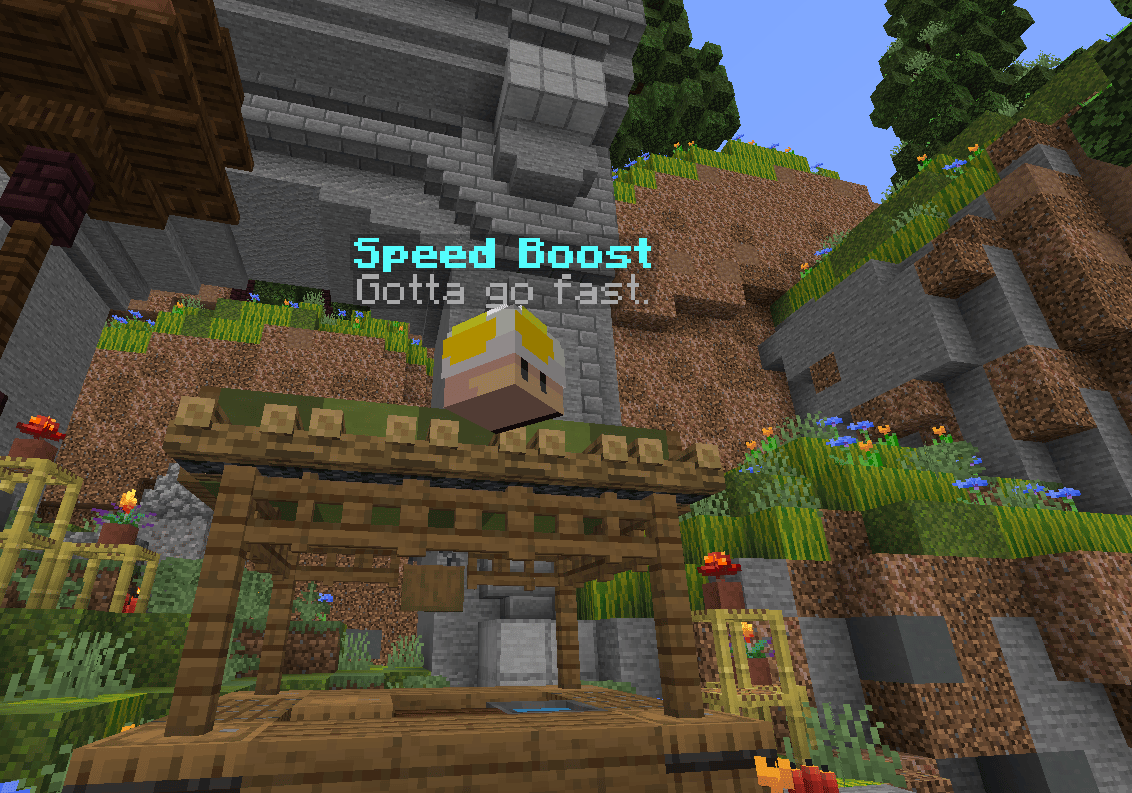
A placed powerup with a custom head texture and its floating hologram.
Placing a powerup
Stand where you want it to float, then run:/hotpotato arena save, or running /hotpotato reload respawns the powerups in a round that is already running. No restart needed.
Powerups only appear once a round starts. They are not shown in the lobby or during the countdown.
Built-in powerups
- Common
- Rare
- Unique
speed
Speed for a few seconds. common
jump
High jump for a few seconds. common
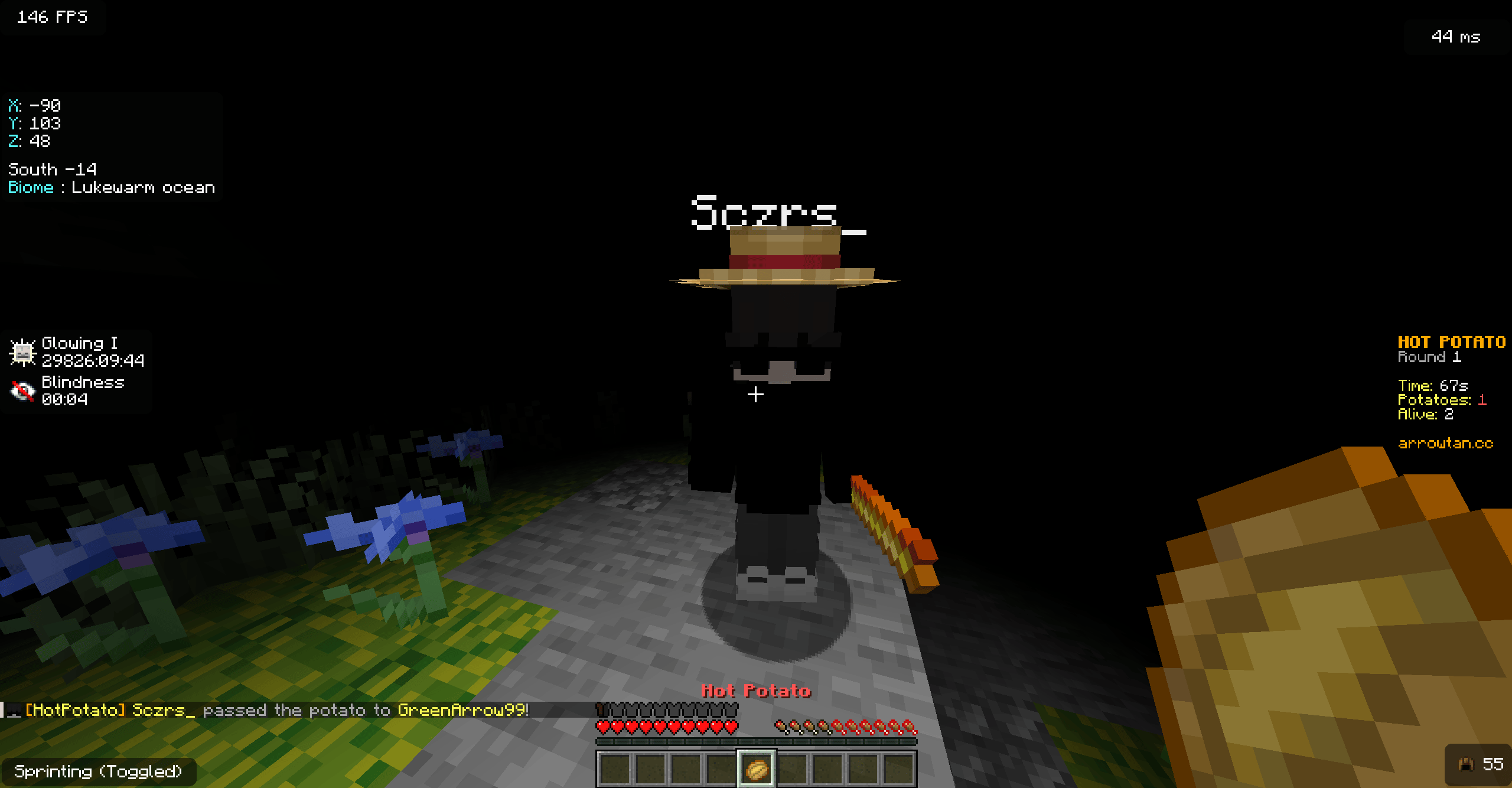
Hit by an enemy's Blindness Wand while holding the potato.
Random spawns and rarity
By default each spawn point ignores the exact type you placed and rolls a random powerup every time it respawns, weighted by rarity.- Rarity tiers are
common,rare, andunique. - The weight for each tier is set in
config.ymlunderpowerups.rarities. - Weights are relative, not percentages. A higher weight shows up more often. A weight of
0never spawns. - The weight applies per type, so a tier with more types in it takes a bigger combined share.
powerups.random-selection: false.
Tuning powerups
The catalog lives inpowerups.yml. Pickup distance, bob height, spin speed, and the floating name tags are tuned in config.yml under powerups.
After editing, run
/hotpotato reload to apply changes to live games without a restart.